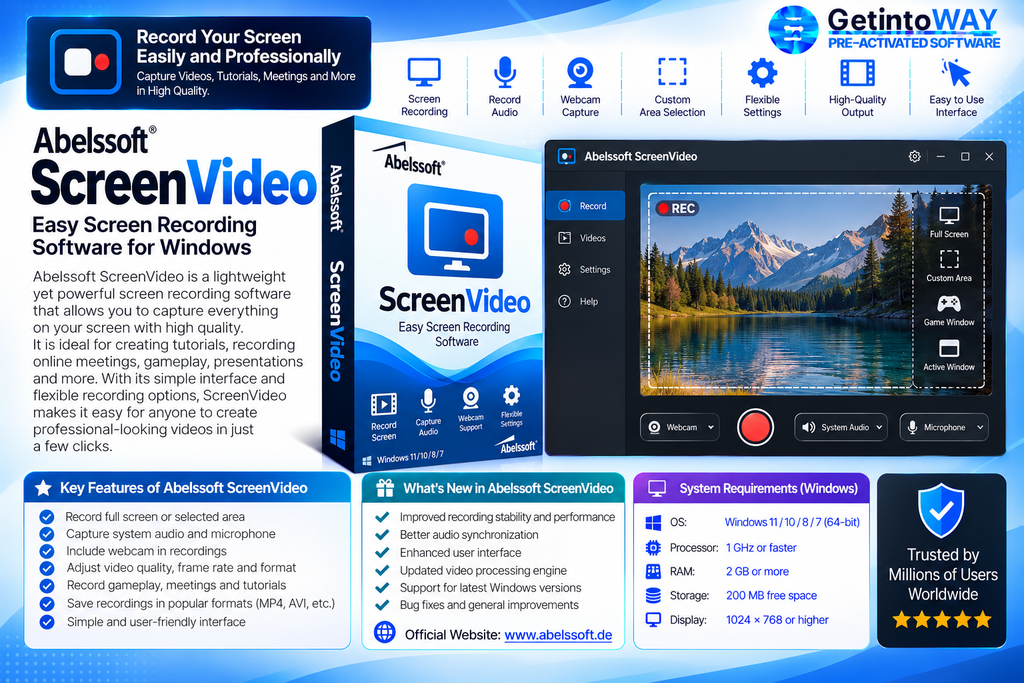
Abelssoft ScreenVideo is a Windows screen recorder for creating tutorials, presentations, demonstrations, and other desktop videos. It can capture the entire display or a selected area while recording sound from a microphone, webcam, or computer. Users comparing similar tools can also explore Screenpresso Pro screen recording software.
The program offers several recording-quality levels, including Full HD and 4K output. Its moderator mode places webcam footage inside the screen recording through picture-in-picture. Abelssoft ScreenVideo also provides adjustable frame rate, bitrate, cursor size, audio source, and output format controls.
Characteristics
- Records the full desktop or a selected area
- Creates videos in resolutions up to 4K
- Provides five selectable video quality levels
- Records microphone, webcam, or system audio
- Adds webcam footage through picture-in-picture mode
- Supports MP4, WMV, and additional output formats
- Offers adjustable frame rate and bitrate settings
- Allows users to customize the recorded cursor size
- Creates tutorials, presentations, and software demonstrations
- Provides simple controls for inexperienced users
- Supports detailed settings for advanced recording projects
What’s New in Abelssoft ScreenVideo 2027 10.01.77043
- Officially released as ScreenVideo 2026 version 2026.9.01
- Supports five output levels ranging from SD to 4K
- Provides MP4, WMV, and other export choices
- Includes adjustable quality, frame rate, and bitrate controls
- Supports webcam-based picture-in-picture screen recordings
Official Website: Abelssoft ScreenVideo Official Website
System Requirements
- Operating System: Windows 11, 10, 8.1, 8, or 7
- Webcam: Required only for picture-in-picture recording
- Microphone: Required only for voice recording
Open Installation Guide & Frequently Asked Questions
Build Highlights
Software: Abelssoft ScreenVideo
Type: Official Windows Installer (Silent RePack)
Status: Clean & Tested
Size: ~620.35 MB