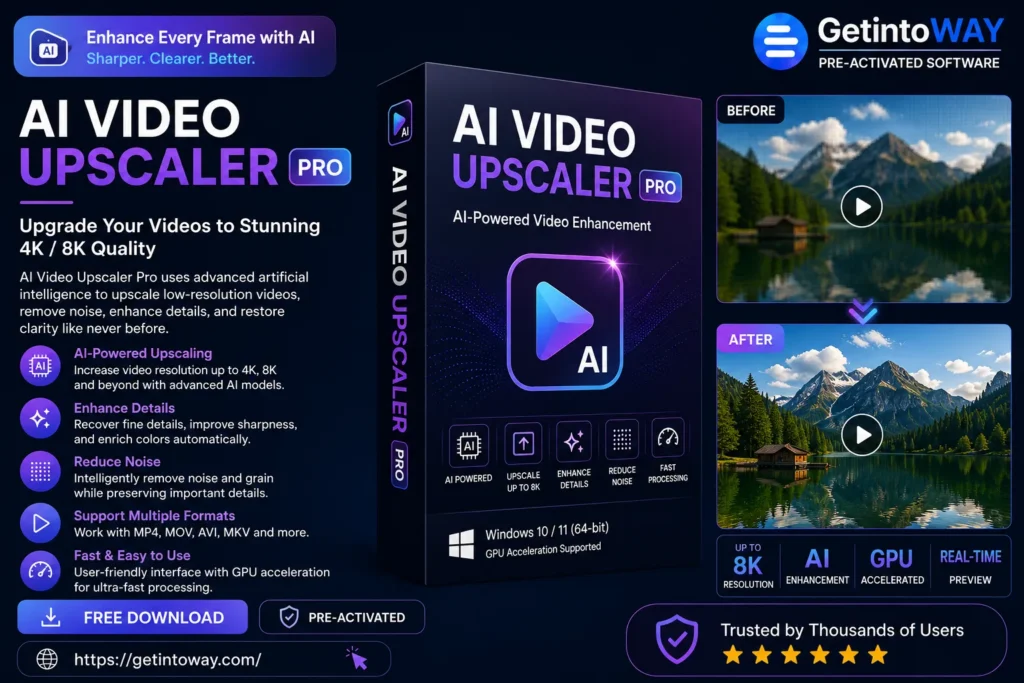
AI Video Upscaler Pro 1.3.4 is a video enhancement and upscaling application that uses AI to improve the resolution and overall quality of your videos. The software uses AI processing to enhance the details of each frame of video which are then output at a higher video resolution. It can be used to enhance old videos, low quality videos, personal videos and more.
This software automatically enhances every frame of a video. Depending on the input and the settings chosen, it increases perceived detail, overall video quality and enhances the presentation so that you can watch your videos on high resolution screens.
AI Video Upscaler Pro 1.3.4 – AI Video Enhancement & Upscaling Software
AI Video Upscaler Pro automatically enhances and improves the video quality. Import videos, set up the processing and output options, preview the available settings and then export the enhanced videos. The enhanced videos can then be edited, archived or published after authorization.
- Upscale supported low-resolution videos to higher output resolutions.
- Use AI-assisted processing to enhance perceived video detail.
- Improve the appearance of older or lower-quality recordings.
- Process compatible personal and professional video footage.
- Enhance video clarity using automated processing workflows.
- Prepare older footage for viewing on modern high-resolution displays.
- Configure supported output resolution and processing options.
- Export enhanced videos for additional editing or media workflows.
- Reduce the need for complex manual frame-by-frame enhancement.
- Suitable for creators, editors, archivists, and home video users.
AI Video Upscaler Pro 1.3.4 Features
- AI-powered video upscaling.
- Automated video enhancement.
- Resolution improvement tools.
- Detail and clarity enhancement.
- Support for compatible common video files.
- Configurable processing options.
- High-resolution video output.
- Simple video enhancement workflow.
- GPU-assisted processing where supported.
- Video export for further editing and playback.
AI-Powered Video Upscaling
Traditional resizing primarily increases the number of pixels in a video, while AI-assisted upscaling attempts to analyze visual information and reconstruct additional perceived detail during enlargement. Results depend heavily on the quality, compression, resolution, and characteristics of the original footage.
Enhance Older & Low-Resolution Videos
AI Video Upscaler Pro can be useful when working with older recordings that were created at resolutions intended for previous generations of displays. Enhancing this footage can make it more suitable for modern screens, although AI processing cannot recover original information that was never captured by the source camera.
Video Quality & Detail Enhancement
Available enhancement processing can help improve the visual presentation of compatible footage before it is exported. The final quality will vary between videos, so users should test different supported settings when processing heavily compressed, noisy, blurred, or particularly low-resolution source material.
GPU-Accelerated Processing
AI video processing can be computationally demanding. Where compatible hardware acceleration is available, a modern dedicated graphics processor can substantially improve processing performance compared with relying entirely on CPU resources. Processing time will also vary according to video duration, source resolution, output resolution, and selected enhancement options.
Why Choose AI Video Upscaler Pro?
AI Video Upscaler Pro provides a focused workflow for users who want to improve video resolution and presentation without working with a complex professional post-production suite. Its AI-assisted enhancement, configurable processing, and high-resolution output capabilities make it useful for restoring personal footage, preparing older recordings, and enhancing video content for modern displays.
Installation Guide + FAQs
Open Installation Guide & Frequently Asked Questions
System Requirements
- Operating System: Compatible 64-bit Microsoft Windows operating system
- Processor: Modern multi-core Intel or AMD processor recommended
- RAM: 8 GB minimum (16 GB or more recommended for AI video processing)
- Storage: Sufficient free disk space for installation, temporary processing files, and exported videos
- Graphics: Modern compatible dedicated GPU recommended for faster AI processing
- VRAM: Additional graphics memory may improve performance with higher-resolution footage
- Display: Full HD or higher-resolution display recommended
Build Highlights
Software: AI Video Upscaler Pro
Type: Official Windows Installer (Silent RePack)
Status: Clean & Tested
Size: ~1.74 GB installer
AI Video Upscaler Pro 1.2.4 OUT
Please now Pre-activated