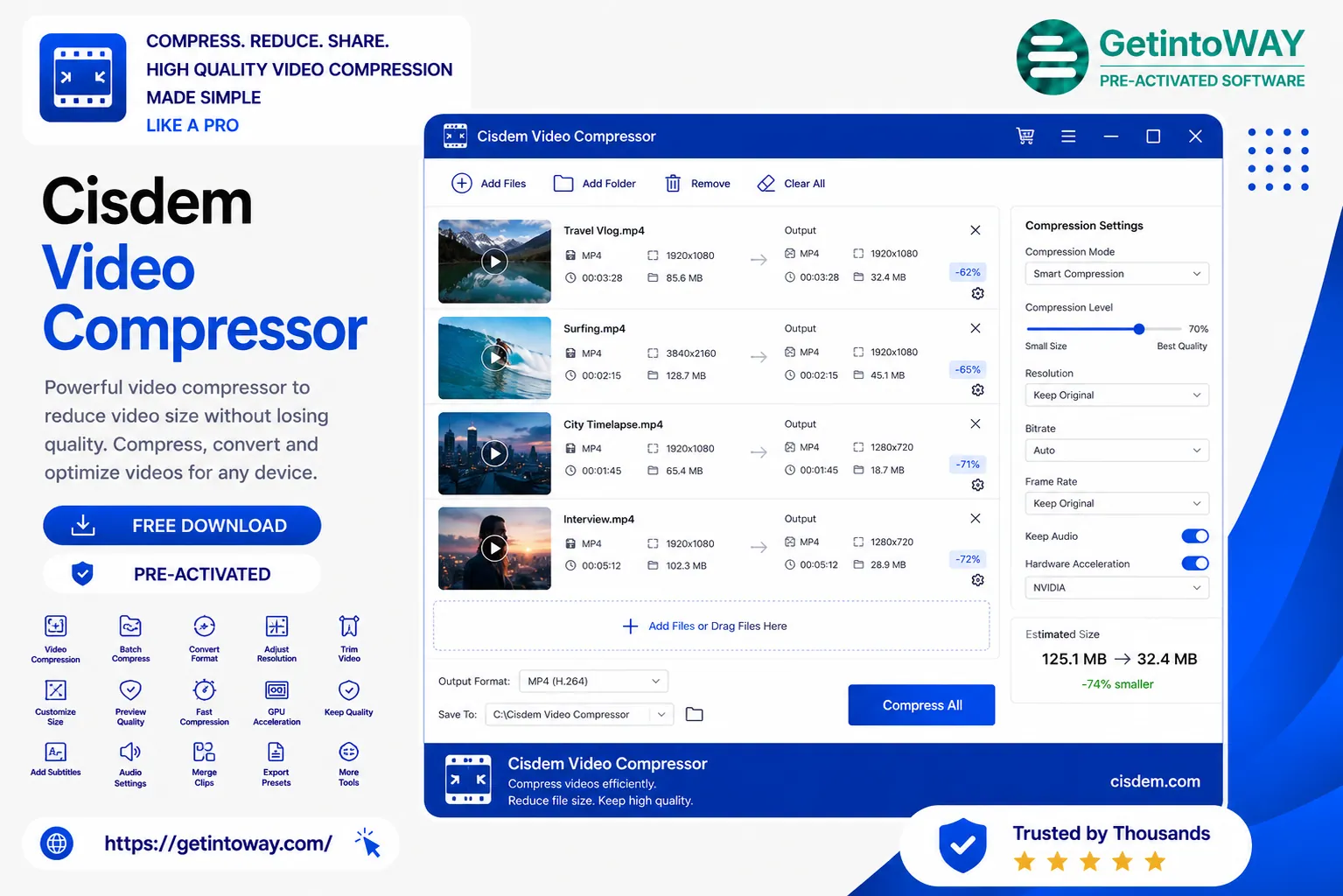
Cisdem Video Compressor 3.0.0 is a professional video compressor and media optimizer that helps save disk space, speed up uploading and sharing, and send out videos via email or social medias by greatly reducing file size of the videos with keeping high video and audio quality.
Cisdem Video Compressor 3.0.0 is packed with more advanced features such as the best video compression, enhanced hardware acceleration, the best video encoding, improved batch processing feature and more support for the latest Windows 10 and Windows 11. Whether you need to compress 4K videos, to send files via email or to share on social media, the program is capable of delivering the fastest results in the best quality.
Cisdem Video Compressor 3.0.0 – Professional Video Compression & Optimization Software
Cisdem Video Compressor is a comprehensive Video File Size Reducer, a Batch Video File Compressor, a Convert videos tool, a Resize Video File utility and a Video File Player all rolled into one very easy-to-use program. Advanced compression technology greatly reduces file size while preserving high-quality video and sound.
- Compress videos while maintaining high visual and audio quality.
- Reduce large video file sizes for easier storage and sharing.
- Support popular video formats including MP4, MOV, AVI, MKV, WMV, FLV, M4V, and more.
- Adjust resolution, bitrate, frame rate, and video quality settings.
- Batch compress multiple videos simultaneously.
- Preview compressed output before saving.
- Utilize hardware acceleration where supported for faster processing.
- Support HD, Full HD, 2K, 4K, and other high-resolution videos.
- Simple interface suitable for beginners and professionals.
- Ideal for social media, email attachments, online sharing, presentations, and video archiving.
What’s New in Version 3.0.0
- Enhanced video compression engine.
- Improved hardware acceleration performance.
- Optimized encoding quality and processing speed.
- Refined batch compression workflow.
- Better compatibility with Windows 10 and Windows 11.
- Improved application stability and responsiveness.
- General bug fixes and performance enhancements.
Why Choose Cisdem Video Compressor?
Cisdem Video Compressor provides an efficient way to reduce video file sizes without significantly compromising quality. Its intelligent compression algorithms, broad format support, batch processing capabilities, and intuitive interface make it an excellent choice for content creators, businesses, and users who regularly work with large video files.
Installation Guide + FAQs
Open Installation Guide & Frequently Asked Questions
System Requirements
- Operating System: Windows 10 / Windows 11 (64-bit recommended)
- Processor: Intel Core i5/i7/i9 or AMD Ryzen equivalent
- RAM: 4 GB minimum (8 GB recommended)
- Storage: 500 MB available disk space
- Graphics: DirectX-compatible GPU with hardware acceleration support recommended.
- Display: 1366 × 768 resolution or higher
Build Highlights
Software: Cisdem Video Compressor 3.0.0
Type: Official Windows Installer (Silent RePack)
Status: Clean & Tested
Size: ~88.80 MB Installer
The program closes soon after you open it, it cannot be used, please fix
The program is useless because it crash after open/run