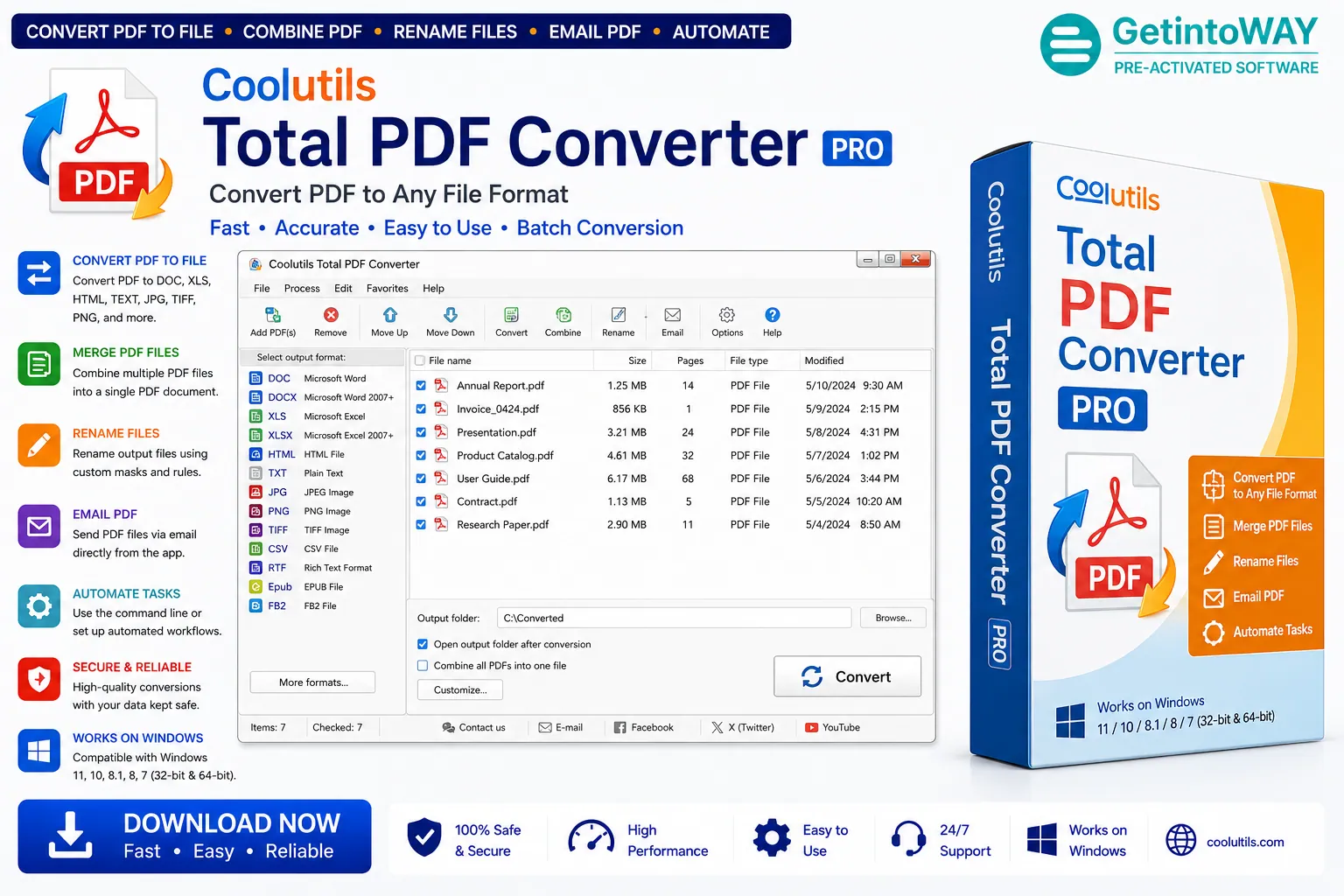
Total PDF Converter is a Windows offline application that can convert PDF files into documents that can be edited, printed and shared on the web. Total PDF Converter supports conversion to DOC, DOCX, XLS, CSV, HTML, TIFF, JPEG, PNG, TXT and PDF/A as well as to many other formats. This application is particularly useful for offices, legal departments, researchers and companies that deal with large amounts of documents and need to process them efficiently in batch mode.
In addition to converting PDFs, Total PDF also can merge documents, extract pages, add watermarks to PDFs and more. Users who are also looking for PDF editing and annotation features may also want to check out UPDF.
Characteristics of Total PDF Converter
- Converts multiple PDF documents in batch mode
- Exports PDFs to Word, Excel, HTML, and images
- Converts PDF files to archival PDF/A format
- Supports PS, EPS, PRN, XPS, and OXPS files
- Preserves the original document layout where possible
- Combines several PDFs into one output document
- Extracts selected, odd, or even PDF pages
- Adds page numbers, text, and image watermarks
- Processes password-protected PDFs using the correct password
- Provides command-line support for automated conversions
What’s New in Total PDF Converter Latest Release
- Fixed TIFF to searchable PDF conversion
- Improved support for XPS format conversion
Official Website: Total PDF Converter Official Website
System Requirements
- Operating System: Windows 7, 8, 10, or 11
- Architecture: 32-bit and 64-bit Windows
- Processor: 1 GHz or faster processor
- RAM: 512 MB minimum; 4 GB recommended
- Storage: 100 MB available disk space
- Software: Microsoft .NET Framework 4.5 or later
Open Installation Guide & Frequently Asked Questions
Build Highlights
Software: Coolutils Total PDF Converter 6.5.0.221
Type: Official Windows Installer (Silent RePack)
Status: Clean & Tested
Size: ~158.25 MB