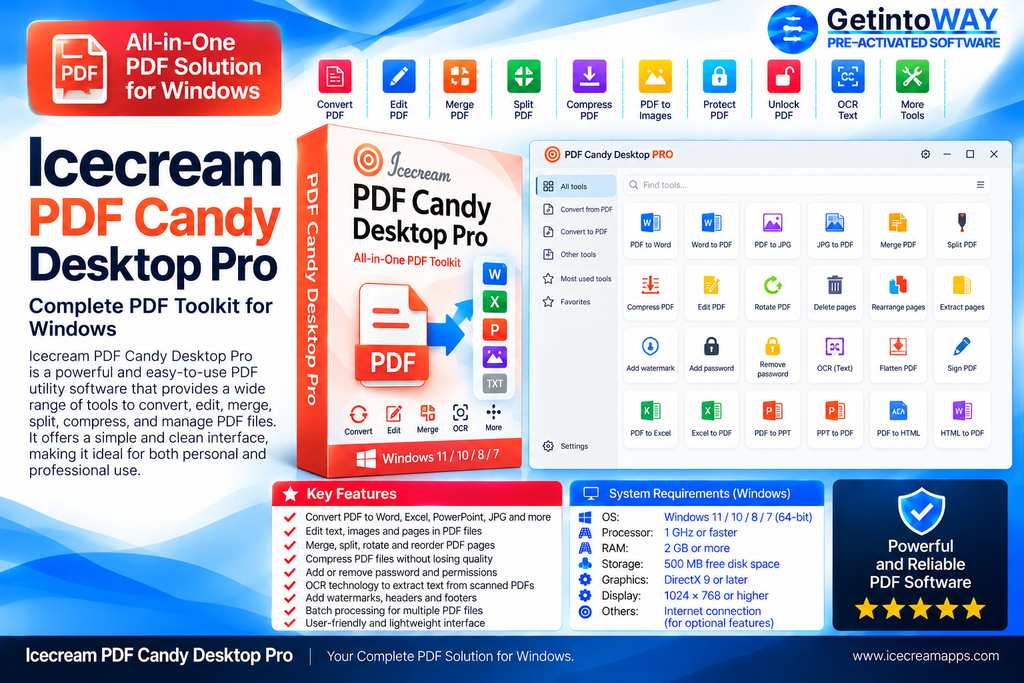
Icecream PDF Candy Desktop Pro is an all-in-one Windows application for editing, converting, and organizing PDF documents. It suits home users, students, and professionals who need practical PDF tools without uploading sensitive files to an online service.
The software offers more than 35 tools for converting files, editing PDF content, recognizing scanned text with OCR, merging documents, and managing individual pages. It works offline and supports bulk processing for many tasks. Users comparing document solutions can also explore EaseUS PDF Editor Pro.
Characteristics of Icecream PDF Candy Desktop Pro
- Includes more than 35 PDF processing tools
- Edits PDF text, images, and other objects
- Converts PDF documents into editable Word files
- Creates PDFs from documents, ebooks, and images
- Recognizes text within scanned PDFs using OCR
- Merges multiple PDF files into one document
- Splits large documents into separate PDF files
- Extracts text and images from PDF documents
- Compresses PDF files to reduce their size
- Rotates, crops, deletes, and rearranges pages
- Protects PDFs and unlocks supported protected files
- Edits PDF title, author, and metadata information
- Supports bulk processing for many available tools
- Processes documents locally without an internet connection
- Handles conversion, splitting, and merging without size limits
What’s New in Icecream PDF Candy Desktop Pro 3.21
- Version 3.21 is the current official Windows release
- No detailed version 3.21 changelog is currently published
Official Website: Icecream PDF Candy Desktop Pro Official Website
System Requirements
- Operating System: Windows 7, 8, 8.1, 10, or 11
- Processor: 2.33 GHz Intel, AMD, or compatible CPU
- RAM: 2 GB minimum; 4 GB recommended
Click here for installation instructions and frequently asked questions
Build Highlights
Software: Icecream PDF Candy Desktop Pro 3.21
Type: Official Windows Installer (Silent RePack)
Setup Size: ~165.10 MB Installer
Status: Clean & Tested