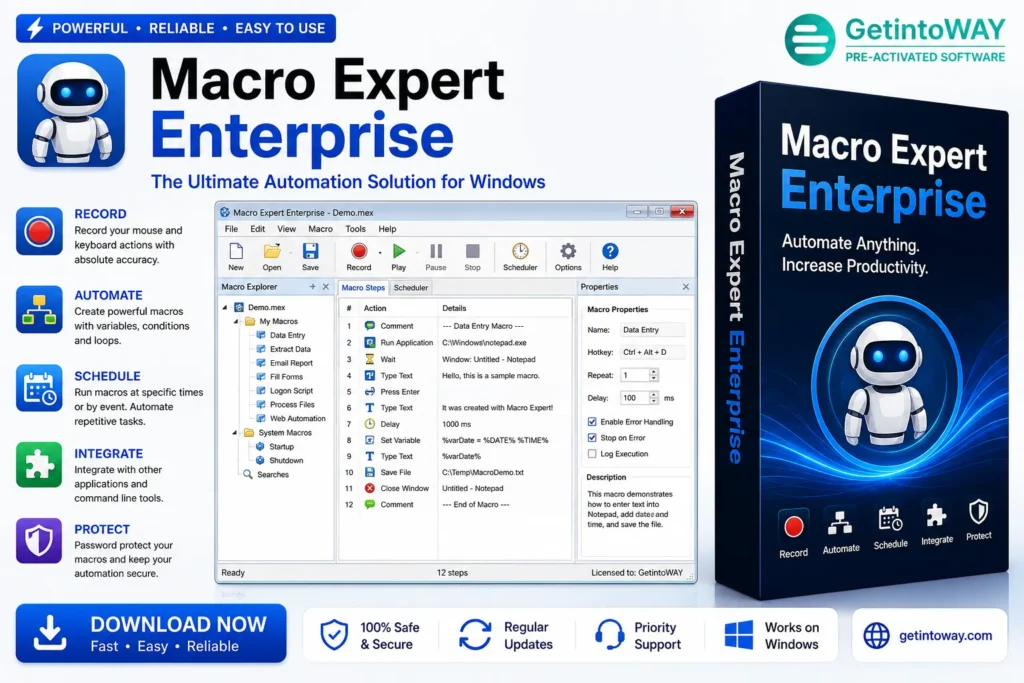
Macro Expert is a Windows automation tool developed by Grass Software. It helps home users, office workers, administrators, and technical teams automate repetitive computer tasks without requiring advanced programming skills.
The software can record keyboard and mouse actions, build editable automation scripts, schedule tasks, and launch macros through hotkeys or system events. It also supports file operations, web tasks, email, FTP, databases, and command-line actions. Users comparing Windows automation tools can also explore Macro Commander Pro+.
Characteristics of Macro Expert
- Records keyboard input, mouse movements, and clicks
- Creates macros through recording or a visual editor
- Edits recorded actions before macro playback
- Launches macros using customizable keyboard shortcuts
- Schedules tasks for automatic unattended execution
- Responds to system, file, and resource triggers
- Automates file and folder management operations
- Supports loops, variables, conditions, and logical actions
- Runs CMD and PowerShell commands automatically
- Automates supported web browser activities
- Connects with email, FTP, and database services
- Protects named macros with individual passwords
What’s New in version 4.9.9.1
- No detailed official changelog is available for this maintenance build
Official Website: Macro Expert Official Website
System Requirements
- Operating System: Windows XP or later, including Windows 11
- Processor: Dual-core processor
- RAM: 1 GB minimum
- Storage: 100 MB free disk space
Open Installation Guide & Frequently Asked Questions
Build Highlights
Software: Macro Expert Enterprise 4.9.9.1
Type: Official Windows Installer (Silent RePack)
Status: Clean & Tested
Size: ~24.05 MB installer