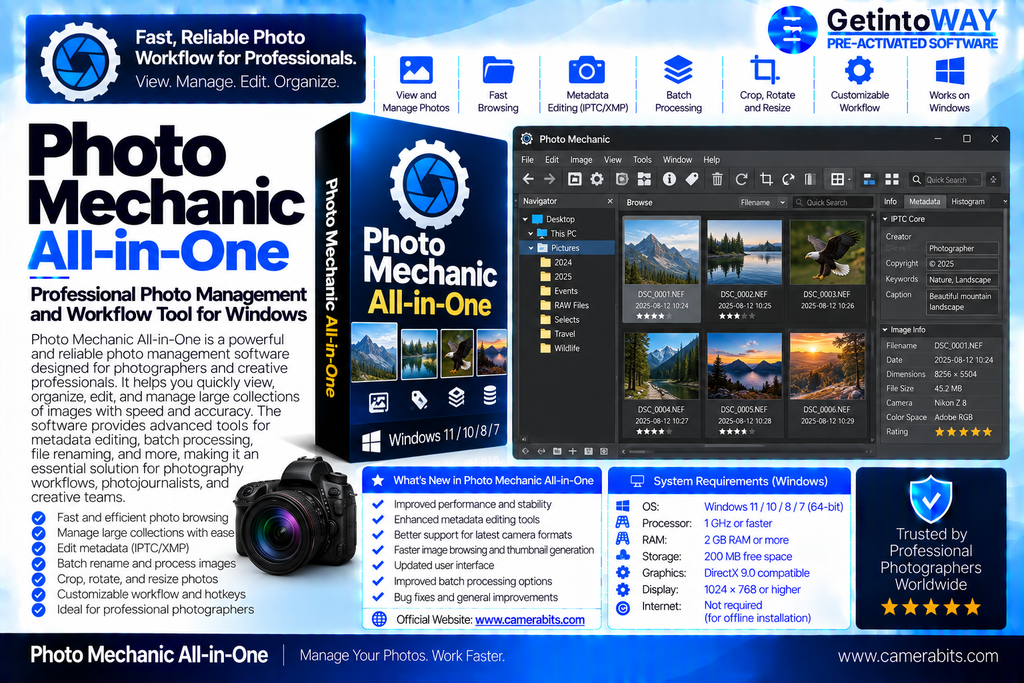
Photo Mechanic All-in-One is a powerful tool for photographers, made by Camera Bits. It helps them get photos from memory cards quickly, look at previews, pick their best shots, add ratings, and get files ready for editing or publishing. This makes the process of working with photos much easier and faster. With Photo Mechanic, photographers can easily review and select their photos, add important information like ratings, and prepare them for the next steps. It’s a big help for photographers who need to work efficiently and effectively.
The software is especially useful for sports, news, wedding, and event photographers working under tight deadlines. Its metadata templates, batch renaming, keywording, code replacement, and upload tools simplify large image workflows. For catalog-focused photo organization,, IDimager Photo Supreme is another relevant option available on GetintoWAY.
Characteristics of Photo Mechanic All-in-One
- Ingests photographs quickly from memory cards and storage devices
- Displays embedded RAW previews without lengthy processing
- Provides fast tagging, rating, and color-class workflows
- Compares photographs through an efficient two-image preview mode
- Edits IPTC and XMP metadata in batches
- Adds captions, keywords, credits, and copyright information
- Renames large groups of image files automatically
- Uses variables to automate filenames and metadata entries
- Supports structured keywords and code replacement
- Creates contact sheets for rapid photo selection
- Copies images to multiple destinations during ingestion
- Exports JPEG, TIFF, PSD, and WebP files
- Uploads selected photographs to supported online services
- Integrates with external photo-editing applications
- Supports customizable keyboard shortcuts for faster workflows
What’s New in Photo Mechanic All-in-One 2026.6 Build 9175
- Added custom shortcuts for upload templates and snapshots
- Added shortcuts for the Metadata Info dialog
- Added an option to hide the Upload Progress dialog
- Added variables to SmugMug upload destination paths
- Added read-only support for AVIF image files
- Added read-only support for JPEG XL images
Official Website: Photo Mechanic All-in-One Official Website
System Requirements
- Operating System: Windows 10 or newer, 64-bit
- Display: 1024 × 768 minimum resolution
- Color: 32-bit color space or millions of colors
- Internet: Periodically required for license validation
- Storage: Fast image drive recommended for better performance
Click here for installation instructions and frequently asked questions
Build Highlights
Software: Photo Mechanic All-in-One 2026.6 build 9175
Type: Official Windows Installer (Silent RePack)
Setup Size: ~344.80 MB
Status: Clean, Tested