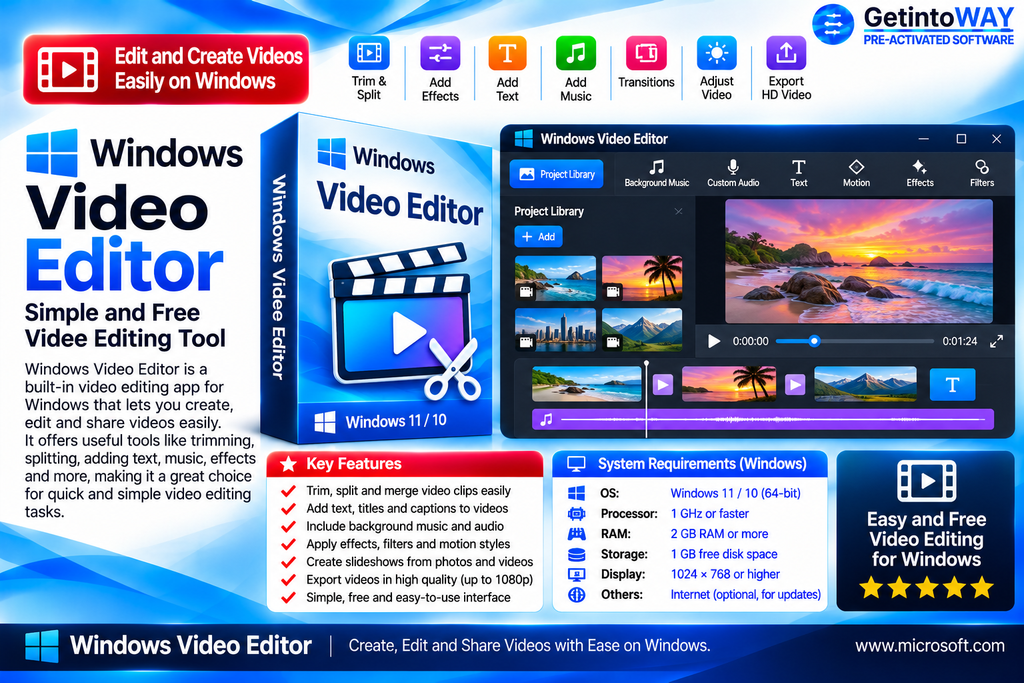
Windows Video Editor is a desktop editing application for cutting, arranging, and improving existing video files. It suits beginners, home users, educators, marketers, and content creators who need practical editing tools without using a large professional production suite.
The software can trim clips, join videos, add subtitles, insert music, apply visual effects, and adjust picture settings. It also supports batch processing and picture-in-picture projects. Users comparing similar Windows editing tools can explore AVS Video Editor.
Characteristics of Windows Video Editor
- Cuts unwanted sections from video files
- Trims clips to a selected duration
- Splits videos into smaller individual segments
- Joins multiple clips into one video
- Crops unwanted areas from video frames
- Rotates videos into the correct orientation
- Adds text and animated titles
- Places custom watermarks over video content
- Imports subtitles into supported video projects
- Adds background music and audio tracks
- Applies visual effects and animations
- Adjusts video brightness, contrast, and saturation
- Changes video playback speed
- Creates picture-in-picture video compositions
- Processes multiple supported videos in batches
- Includes integrated movie creation tools
What’s New in Windows Video Editor 2026 (11.0.0.8)
- Version 11.0.0.8 is the current Windows x64 release
- Current edition combines editing and movie creation tools
- Supports batch processing for compatible video operations
- Includes picture-in-picture composition capabilities
- No version-specific official changelog is currently published
Official Website: Windows Video Editor Official Website
System Requirements
- Operating System: Windows 11, 10, 8.1, 8, or 7
- Architecture: 64-bit Windows for the current release
- Processor: 1 GHz Intel or AMD processor
- RAM: 256 MB minimum; 512 MB recommended
- Storage: 300 MB available installation space
- Display: Minimum 800 × 600 resolution
- Graphics: 16-bit compatible graphics card or higher
Open Installation Guide & Frequently Asked Questions
Build Highlights
Software: Windows Video Editor 2026 11.0.0.8
Type: Official Windows Installer (Silent RePack)
Size: ~414 MB Installer
Status: Clean, Tested