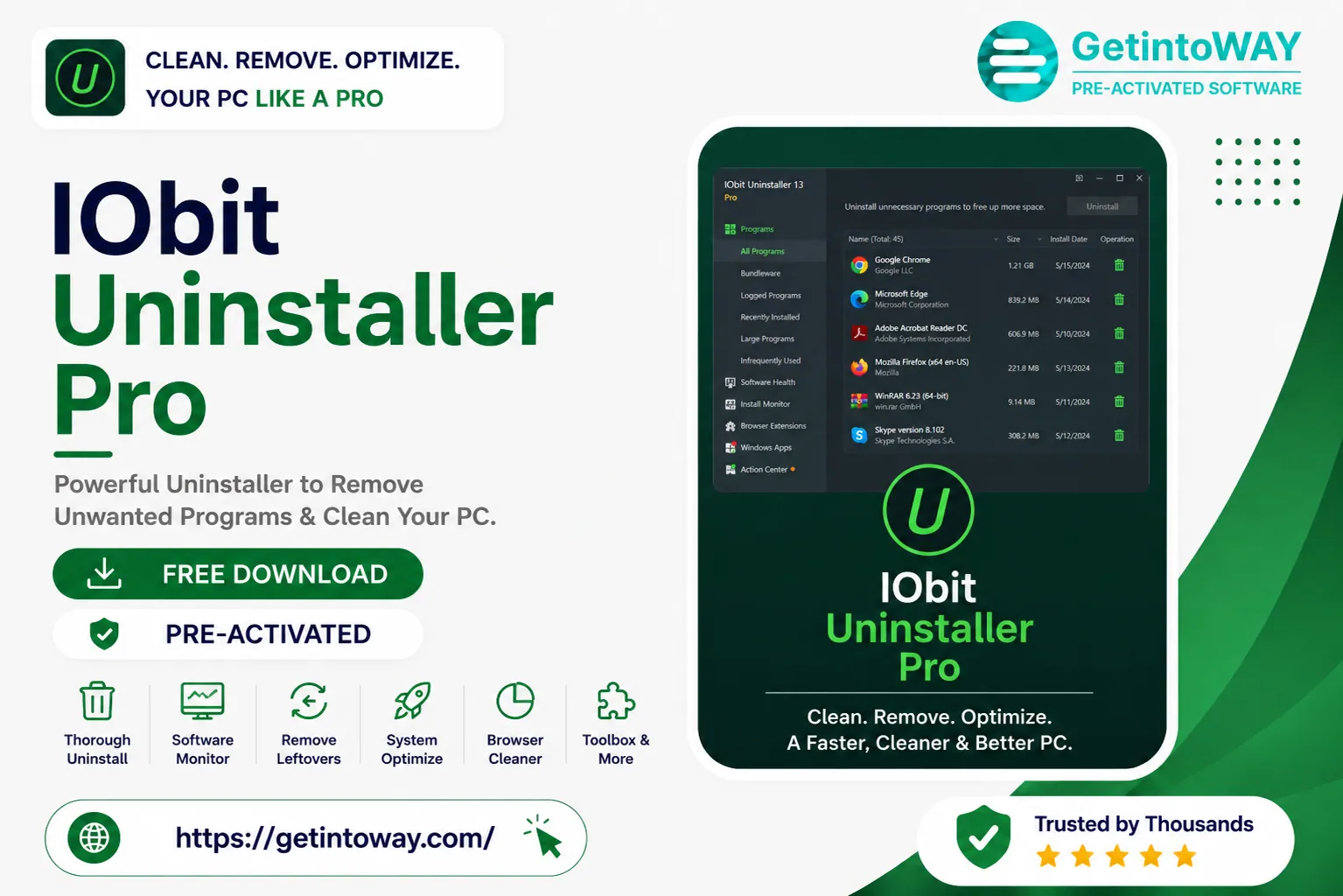
IObit Uninstaller Pro is a Windows utility for completely removing unwanted programs, stubborn applications, bundled software, and Microsoft Store apps. It performs deeper scans than the standard Windows uninstaller, helping users delete leftover files, folders, settings, and registry entries.
This tool is really helpful for people at home, for technicians, and for anyone who often puts new Windows programs on their computer or tests them out. IObit Uninstaller Pro does a lot of things – it watches what’s being installed, manages the extensions on your browser, updates old software, gets rid of unwanted programs, and even lets you move programs to different drives. If you’re looking for another way to get rid of programs that’s more advanced, you might want to check out Revo Uninstaller Pro.
Characteristics of IObit Uninstaller Pro
- Completely removes unwanted programs and associated leftovers.
- Forces removal of stubborn or broken applications.
- Scans deeply for hidden files and registry entries.
- Automatically cleans leftovers after software removal.
- Uninstalls multiple unwanted applications in one batch.
- Removes Microsoft Store and preinstalled Windows applications.
- Detects bundled software installed with main programs.
- Fixes incomplete uninstallations and hidden program entries.
- Monitors software installation changes in real time.
- Creates restore points before forced software removal.
- Manages installed browser extensions from one dashboard.
- Identifies unwanted, ad-injecting, and malicious browser extensions.
- Updates outdated Windows software with one click.
- Uses Hunter Mode to target open applications.
- Permanently shreds sensitive and unwanted files.
- Relocates installed programs to another storage drive.
- Finds and repairs common software health issues.
What’s New in IObit Uninstaller Pro 16.0.0.34
- Added Software Relocation for moving installed programs.
- Added Bloatware Remover for preinstalled Windows components.
- Expanded support for removing stubborn applications.
- Improved Secure File Shredder for permanent deletion.
- Enhanced Software Health with permission management.
- Expanded Install Monitor logging for system changes.
Official Website: IObit Uninstaller Pro Official Website
System Requirements
- Operating System: Windows 11, 10, 8.1, 8, 7, Vista, or XP
Open Installation Guide & Frequently Asked Questions
Build Highlights
Software: IObit Uninstaller Pro 16.0.0.34
Type: Official Windows Installer (Silent RePack)
Status: Clean & Tested
Size: ~42.15 MB
It’s a free version, and it’s not activated, please check before posting.
its pro version and you miss cr@ck inside it
Same problem. I even removed a previous version. Installed and states FREE.
i check
yea it’s free version, then it shows “Hook.exe” which I think it’s malware.
Hello! We’re sorry to hear about the issue you’re facing. But this false detection of +ve virus
thank you
Hi, Been having issues with downloads. Has been re-directing to other site’s. Not able to download anything. What’s going ON?
try this on incognito mode
Link doesn’t work. Only redirects back to the homepage
Ok, now it’s PRO, thanks.
crack EDIUS 10
go buy it, it’s not crackable
Only get message “dangerous file blocked” by mediafire. Tried on multiple browsers, same result.
fix
this filen storage is like mega and sometimes it doesn’t store the file being downloaded, why not qiwi gg?
I am also getting free version. Tried in private window with firefox didnt help. also having this issue with driver boost. if anyone is willing to point me in then right direction it would be appreciated.
what issue you have face?
Thankyou very much
link doesnt work
fix
Link is not working please fix it.
Hello, could you please update and fix the broken link? The installation files are no longer accessible. Thank you and have a great day!
fix soon
hi please create a section for hitpaw apps
simply type hitpaw in search box, you will get all apps
Thank you