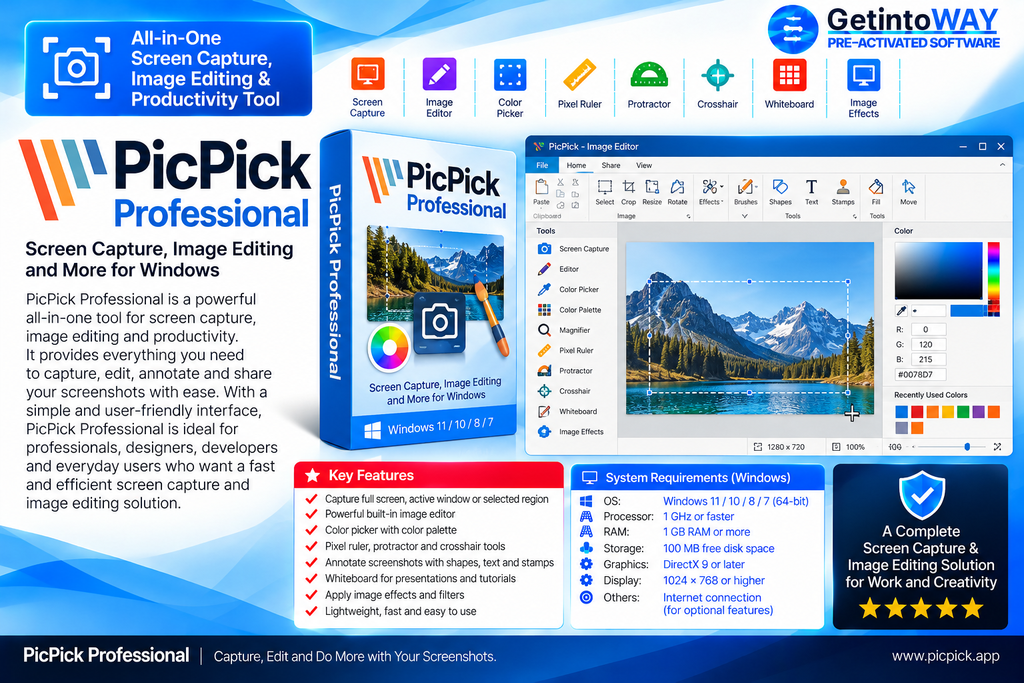
PicPick Professional is an all-in-one Windows screen capture, recording, and image-editing application. It captures full screens, active windows, scrolling pages, fixed regions, and freehand selections while providing convenient hotkeys and multi-monitor support.
The software suits developers, designers, educators, support teams, and businesses creating documentation or tutorials. It includes annotation tools, visual effects, screen recording, cloud sharing, and precise design utilities. Users comparing professional alternatives can also explore Ashampoo Snap Pro screen-capture software.
Characteristics of PicPick Professional
- Captures full screens, windows, regions, and scrolling pages
- Supports freehand and fixed-region screenshot capture
- Records screens with system audio and microphone input
- Provides adjustable recording quality and frame rates
- Annotates images with text, arrows, shapes, and callouts
- Applies blur, mosaic, frames, shadows, and watermarks
- Includes a color picker and reusable color palette
- Provides pixel ruler, magnifier, protractor, and crosshair tools
- Supports customizable global keyboard shortcuts
- Automatically saves captures using custom file names
- Shares files through cloud storage, email, and FTP
- Allows commercial use with automatic software updates
What’s New in PicPick Professional 7.6.2
- Added Pause and Resume controls during screen recording
- Added a configurable webcam overlay with live preview
- Added cursor highlighting, click effects, and click sounds
- Added a countdown before screen recording begins
- Redesigned the screen recorder options dialog
- Improved support for HEIF and HEIC images
- Fixed capture failures with desktop-spanning applications
- Improved handling of invalid and duplicate file names
- Stopped loading printer settings during startup
- Fixed additional minor software bugs
Official Website: PicPick Professional Official Website
System Requirements
- Operating System: Windows Vista through Windows 11
- Architecture: x86 and x64 Windows
- RAM: 512 MB or more
- Storage: Approximately 250 MB
Users can access the Installation & FAQ Page by following this link.
Build Highlights
Software: PicPick Professional 7.6.2
Type: Official Enterprise Installer (Silent RePack)
Status: Clean & Tested
Size: ~86.75 MB installer
does not work
New version PicPick Professional 7.5.0 OUT
Please now wait Pre-activated
New version PicPick Professional 7.6.0 OUT
We are waiting Pre-activated
We atre waiting version 7.6.0
sure we updated as soon as