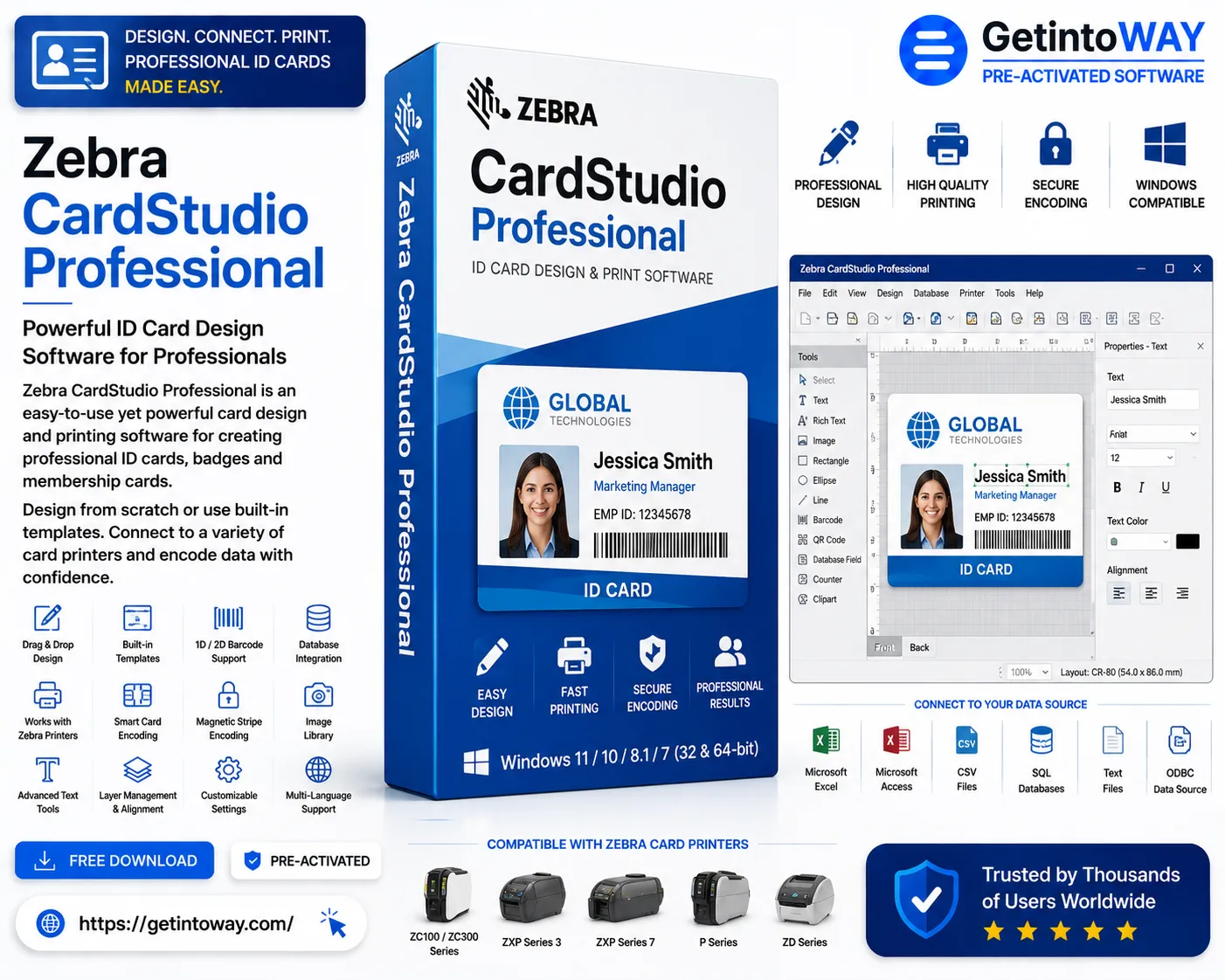
Zebra CardStudio is a professional card design and issuance solution for physical and digital ID cards. The solution is suitable for organizations, such as businesses, schools, retailers, healthcare organizations and associations, to create and issue photo ID cards, access cards, loyalty cards, gift cards and other identification cards.
At the core of Zebra CardStudio is the Card Layout Editor (see left), Data Management, support of Barcode encoding, connectivity to databases and Card Encoders. Zebra CardStudio is distributed in various editions for organizations of all sizes, from the small organization that needs to issue a few identification cards to the large enterprise that is issuing hundreds of thousands of identification cards, including smart cards, in complex projects.
Characteristics of Zebra CardStudio
- Designs professional photo IDs and access badges
- Creates loyalty, membership, and gift cards
- Produces physical cards and mobile Digital IDs
- Adds dynamic text, photos, signatures, and logos
- Imports identification records from Excel and CSV files
- Stores card designs in an internal database
- Generates supported one-dimensional and two-dimensional barcodes
- Connects to external databases through ODBC drivers
- Supports multiple card layouts and project files
- Encodes magnetic-stripe cards using supported Zebra printers
- Supports MIFARE and DESFire contactless smart cards
- Works with compatible Zebra card printer models
What’s New in version 2.5.45.0
- Current official Windows installer updated to version 2.5.45.0
Official Website: Zebra CardStudio Official Website
System Requirements
- Operating System: Windows 10 or Windows 11
- Architecture: 32-bit or 64-bit Windows
- Processor: Pentium Dual-Core G640 2.8 GHz equivalent
Click here for installation instructions and frequently asked questions
Build Highlights
Software: Zebra CardStudio Professional 2.5.45.0
Type: Official Windows Installer (Silent RePack)
Status: Clean & Tested
Size: ~231.85 MB Installer